 November 11, 2026
Partner content. Prepared by the GetAntik team.
Working with multiple accounts quickly fills up with small tasks. One profile needs its proxy renewed, another has to be handed over to a colleague, and for a third you need to check how an ad campaign is doing. While there are only a few accounts, you can keep it all in your head. Once there are dozens, the familiar questions start: "who has this ad account open right now?", "which proxy is this?" and "where do I see the stats?".
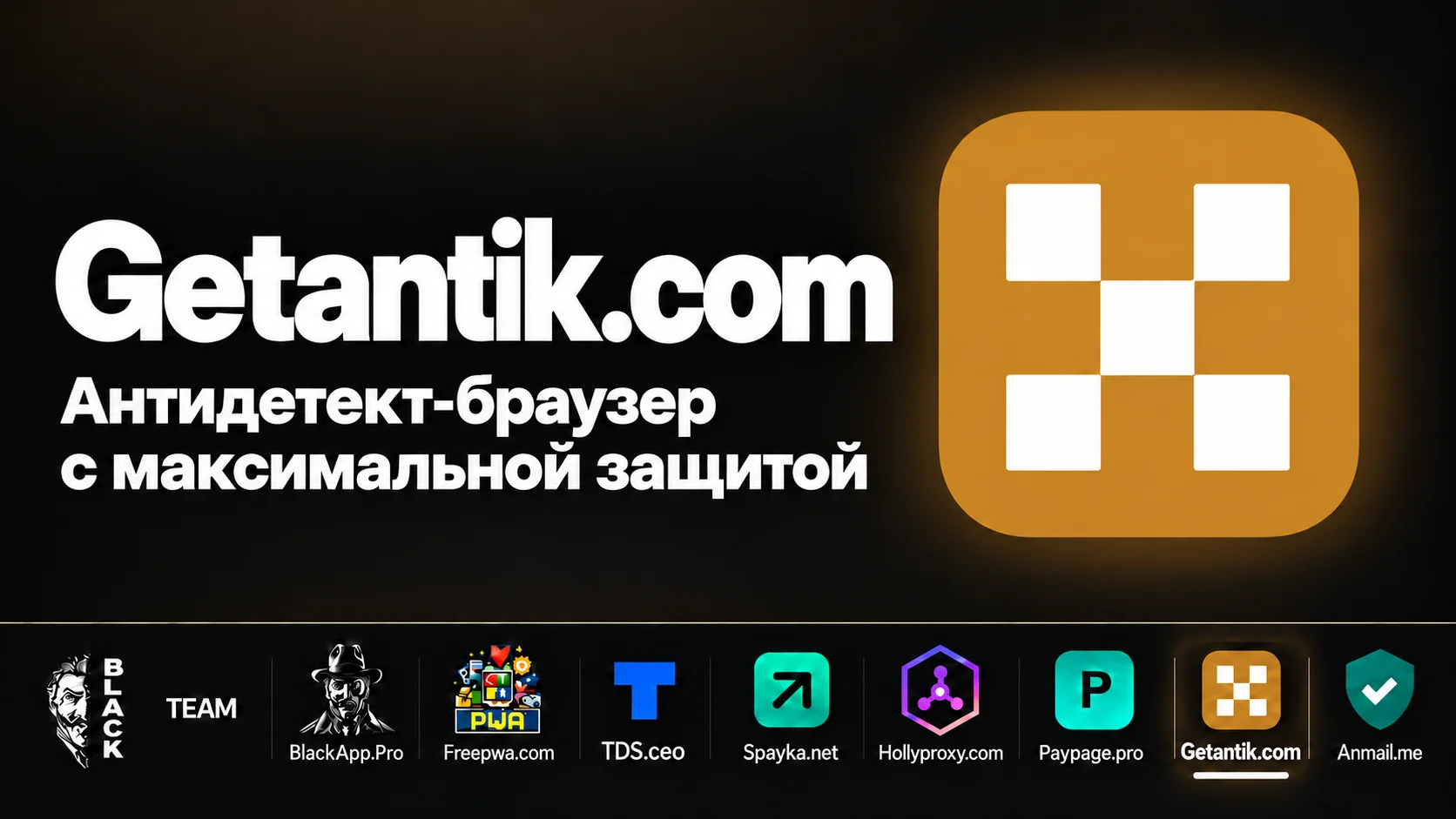
GetAntik brings these tasks into one app. The browser has separate profiles, team tools and built-in work with HollyProxy proxies. And once you connect the TDS.ceo tracker, you can see statistics right inside the browser, in real time.
Let's look at how it works and where to start.
A separate profile for every project
GetAntik is built on isolated browser profiles. Each one has its own cookies, fingerprint settings and proxy. This lets you keep work environments apart: ad accounts, client pages, shops and other projects.
Say an agency works with several clients. It can create a separate profile for each one, give it a clear name and assign the right proxy. Next time, the team member simply returns to the saved session.
Names deserve special attention. "Profile 27" tells you little, even if you created it yourself. "Client · platform · region" already helps you find the right environment without asking around in the team chat.
According to GetAntik, a profile's fingerprint stays consistent across different computers. Cookies, tabs and history sync after the profile is closed. This is useful when a project is handed over to another team member or continued on another device.
Why a profile needs a proxy
A profile and a proxy handle different parts of the work environment. The profile stores the browser session and its settings; the proxy defines the network connection and the external IP address.
So when you set up a profile, check both parts: the proxy should be reachable, its region should fit the task, and the profile settings should be consistent.
An antidetect browser on its own does not guarantee that accounts won't be blocked. Results depend on platform rules, account history, connection quality and user behaviour. Separate profiles help organise the work, but they don't cancel out these factors.
HollyProxy: buy and renew proxies inside GetAntik
GetAntik has the HollyProxy proxy service built in. You can buy and renew proxies directly in the app — this feature is listed on the browser's website.
The practical value shows up in everyday work. You prepare a new profile, pick a connection for it and continue the setup in the same program. When it's time to renew, the service is right there too.
GetAntik also lets you use your own proxies. You can add them to a shared pool, test them and assign them to profiles. HollyProxy is convenient for those who want to buy and manage connections inside the browser.
It's best to choose proxies for a specific task. Long sessions need a stable connection; work in a particular region needs the right geo. Before use, check that the proxy is reachable and that the profile goes online through the expected address.
TDS.ceo: statistics right in the browser
Another integration is the TDS.ceo tracker. You can connect it to GetAntik to see real-time statistics right in the antidetect browser's interface. The GetAntik website describes working with campaigns, flows and per-profile statistics.
This is especially handy when you have many profiles. When you open the list of work environments, you can see the metrics of the related campaigns next to them. That makes it easier to see which project needs attention and jump to the right profile.
The tracker remains the place for in-depth analysis and flow setup. The in-browser integration shortens the path to current data: you can check statistics where you work with your accounts.
Getting started with GetAntik
One profile is enough to get to know the product. The GetAntik website lists three free profiles with no card required — enough to try the main actions before choosing a plan.
The steps are simple:
- Install GetAntik. Choose the version for your operating system.
- Create a profile. Give it a name that makes its purpose clear.
- Set up the connection. Add your own proxy or use the HollyProxy integration.
- Check the proxy. Make sure it's reachable and shows the right region.
- Launch the profile. Open the platform you work on and do what you need.
- Close the profile. According to the product description, session data syncs on close.
- Connect TDS.ceo if you use the tracker. Once the integration is set up, statistics are available in the browser.
On the first run, it's worth going through the whole cycle: open the profile, work in it, close it and launch it again. You'll immediately see how the session is saved and how well the workflow suits you.
Teamwork
When several people work with accounts, a list of profiles is no longer enough. You need access rights and a clear workflow.
GetAntik offers team roles, an activity log and limits. There is also a lock on simultaneous launches: while one member has a profile open, the others can see who is working in it.
There is also live view with remote control. A team lead or colleague can connect to a member's browser, see what's happening and help with a specific task.
For example, a new team member can't find a setting in an ad account. Instead of a long chat with screenshots, you can look at their browser and show them what to do. For onboarding and reviewing mistakes, it's a genuinely practical feature.
Cookies and 2FA next to the profile
Handing over an account often gets stuck on things that live outside the browser: a cookies file, an authentication code, a note with the project name.
GetAntik supports importing and exporting cookies and storing 2FA keys together with the profile. According to the product description, the codes are available on the start page and in the extension.
This helps keep everything needed for the work in one environment. For team use, decide in advance who gets access to a profile and its keys: easy handover should go together with clear permissions.
How data is stored
The GetAntik website says data is encrypted before it is sent to the server. Keys are created on the user's computer, and the server stores encrypted profile data. This approach is described as zero-knowledge: the server should not have access to the content in plain form.
For users, this is an important part of the product. Profiles can contain work sessions, proxy passwords and 2FA keys — data that needs controlled access.
Access recovery matters too: GetAntik describes the use of an offline key. Save it during setup so that you don't have to deal with recovery at the worst possible moment.
Who should take a closer look at GetAntik
GetAntik fits tasks that involve regular work with separate browser environments: running client pages, ad accounts, marketplace projects, or splitting work between team members.
The main appeal is the combination of tools. GetAntik handles profiles and teamwork, HollyProxy handles connections, and TDS.ceo handles statistics you can see in real time inside the browser.
You can start with one real project. Create a profile, connect a proxy, check that the session is saved and, if you work with TDS.ceo, bring your stats into the browser. A test like this will tell you more than a long list of features.