 November 2, 2026
Public data collection, price monitoring, ad verification and regional SEO tracking rarely live on a laptop. Scripts need to run around the clock, and requests need to come from the right countries and cities. That's why a working setup usually has two parts: a server that runs the software, and proxies that carry the requests.
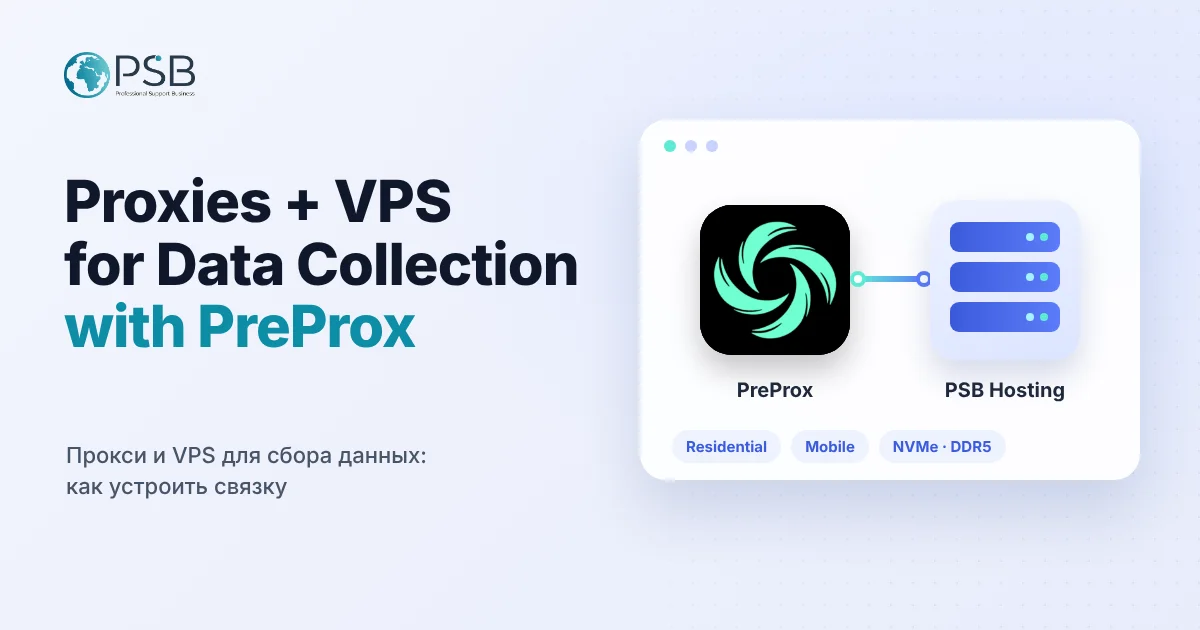
Let's look at how to build this setup, using PreProx — a proxy platform for businesses and developers — as an example.
What PreProx is
PreProx is a web-based platform that brings several proxy types into one dashboard:
- Pay-as-you-go residential proxies. Rotating or sticky sessions, HTTP, HTTPS and SOCKS5. Country, state, city, ZIP code and ISP targeting where available. Purchased traffic does not expire.
- Mobile and WiFi proxy leases — for tasks that need one stable address for a long time.
- US non-VoIP numbers for SMS verification and rentals — on the same platform.
The service is built for public web data collection, market research, price and SEO monitoring, ad verification and location-based testing.
Why proxies need a server
A proxy answers the question "where does the request come from". But something has to send those requests — on schedule, without interruptions and without depending on your computer. That's the server's job.
A VPS is a good home for:
- scrapers and crawlers that collect prices, catalogs and search results;
- monitoring — checking rankings, page availability and ads by region;
- task queues and databases that store the results;
- reports and exports that need to be ready by morning.
A home PC doesn't fit: it goes to sleep, restarts for updates, and every connection drop stops your jobs.
How to build the setup
1. Match tasks to proxy types. For large-scale data collection from many addresses, use rotating residential proxies. When the address must stay the same for the whole session, use sticky sessions or a mobile proxy lease.
2. Pick the location for the goal. Monitoring prices in a specific city or checking ads in a state requires addresses from exactly there. City and ZIP targeting covers these tasks directly.
3. Size the server for the load. Scrapers and browser automation need CPU and RAM, databases need fast disks. Unmetered traffic removes the question of how many gigabytes you'll use this month.
4. Place the server close to the target sites. If you collect data from European websites, a server in Europe gives lower latency. For the US — a server in the US.
5. Test proxies before launch. One curl command through the proxy shows the external IP and response time. It's the easiest way to catch a wrong login, port or protocol before a job fails at night.
6. Follow website rules. Collect public data, respect rate limits and the terms of the platforms you work with.
Summary
A "VPS + proxies" setup is the foundation for any data collection and monitoring task: the server runs around the clock, and proxies provide the right location and address type. PreProx covers the proxy side — pay-as-you-go residential, mobile and WiFi leases, with targeting down to the city.
Try PreProx: preprox.com
Servers for these tasks — VPS in the Netherlands, Germany, Finland and the USA with DDR5, NVMe and unmetered traffic — are available at PSB Hosting.