

Dedicated GPU

Full root access

A server for your task
Available GPU servers
Compare servers by GPU model, video memory size, processor, RAM and disk subsystem.
 Netherlands
 Iceland
GPU Server — vGPU 8/32/240 + RTX A5000
Netherlands- RAM32 GB
- CPUEPYC 7402 8x2.8GHz (8 cores)
- Storage240 GB SSD
- GPU1xA5000
- VRAM24 GB
- Network1Gbps / 50TB
GPU Server — RTX 4090 (vGPU)
Iceland- RAM64 GB
- CPUCores: 8
- Storage240 GB NVMe SSD
- GPUNVIDIA RTX 4090
- VRAM24 GB
- Network1Gbps / 50TB
GPU Server — BM Ryzen 5950x/128/1Tb nvme + RTX 3090
Netherlands- RAM128 GB
- Storage1000 GB SSD
- Network1Gbps / Unlimited
- CPURyzen 5950X 16x3.4GHz (16 cores)
- GPU1xRTX 3090
- VRAM24 GB
GPU Server — BM EPYC 7402P/384/2x3.84Tb nvme + 4xRTX 4090
Iceland- RAM384 GB
- Storage7680 GB SSD
- Network1Gbps / Unlimited
- CPUEPYC 7402p 24x2.8GHz (24 cores)
- GPU4xRTX 4090
- VRAM24 GB
Need a server with a different GPU?
Choose a GPU server for your task
GPUs accelerate parallel computing and help process models, graphics, video and large datasets faster.
Machine learning Model training, hypothesis testing, dataset processing and computational experiments.
LLMs and AI applications Language model inference, AI agents, RAG systems and enterprise AI services.
Image generation Running Stable Diffusion, FLUX and other models for creating and processing visual content.
3D rendering Scene rendering, architectural visualization, animation and complex 3D graphics.
Video processing Encoding, transcoding, editing and automated video processing.
Scientific computing Simulation, data analysis and other tasks that require high-speed parallel computing.
Why GPUs accelerate computing
A regular processor performs a wide range of sequential operations. A GPU consists of a large number of compute units and handles tasks that can be executed in parallel more efficiently.
Fast data processing A GPU executes a large number of operations simultaneously and speeds up computing related to models, graphics and video.
Dedicated resources The server's GPU is not shared with other users and is fully available to your project.
Predictable performance The configuration and available resources remain constant throughout the entire rental period.
Control over the environment Install the drivers, libraries, frameworks, containers and other software you need.
How to choose a GPU server
The right configuration depends on the model you use, the data volume, software requirements and expected load.
| Task | What to look at |
|---|---|
| AI model inference | VRAM size, GPU speed and model size |
| Neural network training | VRAM size, GPU performance, RAM and disk speed |
| Image generation | Model requirements, VRAM size and GPU speed |
| 3D rendering | Engine compatibility, CUDA or other technology support |
| Video processing | Hardware encoders and storage performance |
| Big data workloads | RAM size, NVMe and network bandwidth |
Not sure which configuration fits? Tell us the model name, the software you use and the expected load – we will help you choose a server.
Software for working with GPUs
Install the drivers, libraries and applications you need. Software compatibility depends on the GPU model and the selected operating system.
CUDA Docker NVIDIA Container Toolkit PyTorch TensorFlow Jupyter Stable Diffusion FLUX Blender FFmpeg
The client installs and configures software independently unless otherwise agreed when placing the order.
Advantages of a dedicated GPU server
All GPU power is yours The GPU and all other resources of the physical server are used only by your project.
Suitable for constant load Use the server for long training runs, continuous inference, video processing or rendering.
Full root access Manage the operating system, drivers, libraries and environment settings yourself.
Fast local storage Store models, datasets and computation results on the server's drives without transferring data to third-party services.
Custom selection Request a configuration with the GPU model, RAM size, processor and disk subsystem you need.
24/7 support PSB Hosting specialists are available around the clock and will help resolve issues related to the service.
GPU server or regular server
Not every project needs a GPU server. For websites, databases and most backend services, a powerful CPU server is usually enough.
| Parameter | Regular server | GPU server |
|---|---|---|
| Primary task type | General-purpose and sequential computing | Massive parallel computing |
| Websites and databases | Suitable | Usually not needed |
| Neural network training | Limited performance | Suitable |
| AI model inference | For small models | For constant and high load |
| Image generation | Slow | Suitable |
| 3D rendering | Depends on the task | Suitable for GPU rendering |
| Cost | Lower | Higher |
Choose a GPU server if your software supports GPU acceleration and the task requires a large amount of parallel computing.
Need a server with a specific GPU?
Tell us the GPU model, required video memory, software and a description of your task. We will check hardware availability and offer a suitable configuration.
How to rent a GPU server
- 1
Define your task
Specify what the GPU will be used for: machine learning, inference, rendering, video or other computing.
- 2
Choose a configuration
Compare the GPU model, video memory size, processor, RAM and storage.
- 3
Place an order
Choose a ready-made server or send a request for a custom configuration.
- 4
Set up the environment
Get access to the server and install the drivers, libraries, containers and applications you need.
All about VPS in our blog

Which Proxies Do You Need for Mass Telegram Registration, and How Can You Keep Your Accounts?
Registering Telegram accounts is the first step for anyone planning to work at scale on the platform. It also brings the first problem: accounts getting blocked during setup. You can buy a hundred SIM

Why Every Serious Traffic Arbitrage Specialist in 2026 Needs PSB Hosting + PSB Proxy + PPC Rebels
In 2026 the traffic arbitrage game has changed forever. Google’s AI Max, stricter trust signals, aggressive anti-fraud systems and the constant “trust war” between platforms and medi

What Are Residential Proxies Used for in Traffic Arbitrage?
Residential proxies have become an important tool for traffic arbitrage specialists. They help professionals work with advertising platforms, analyze offers, test advertising campaigns, and manage mul
MobileProxy.Space in 2026: A Complete Review of Mobile, Residential, and Datacenter Proxies
An in-depth 2026 review of MobileProxy.Space: mobile, residential, and datacenter proxies, pricing, setup, real-world use cases, and practical advice for businesses and professionals. Let's be honest

Best captcha solving services for VPS and backend automation
A captcha solver should be judged by how often it helps complete the entire workflow. Response time matters, but only when the returned answer is accepted. An incorrect token can trigger another chal

How to launch Google Ads in 2026 without bans: complete guide from Adspect.ai
This article was prepared in collaboration with Adspect.ai and AdCombo.Google Ads continues to be one of the most profitable yet most challenging platforms for media buyers in 2026. Moderation has bec
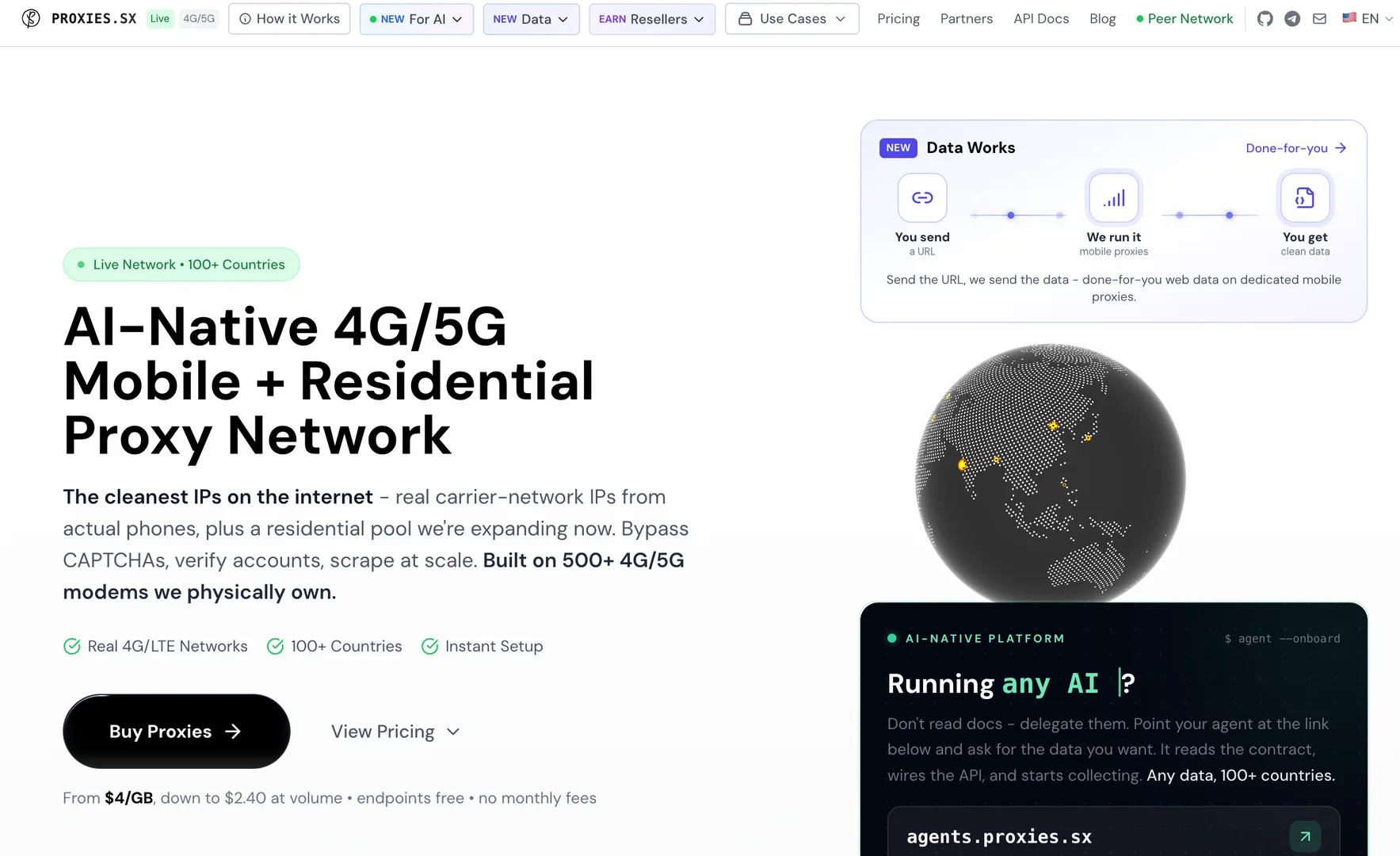
Real 4G/5G Mobile & Residential Proxies
Proxies.sx delivers real 4G/5G carrier IP addresses on infrastructure it owns outright. Unlike most of the market, nothing here is resold third-party traffic — the whole network belongs to the P

VPS vs VDS: differences, advantages, and disadvantages
When it comes to hosting projects, users often face the dilemma of choosing between VPS and VDS. Each option offers resources for hosting a website and is suitable for applications, databases, and oth
Frequently asked questions
- 01
What is a GPU server?
- 02
What tasks is a GPU server suitable for?
- 03
How do I choose a GPU for machine learning?
- 04
Can I install PyTorch or TensorFlow?
- 05
Will the GPU be used only by my project?
- 06
Can I use Docker?
- 07
Can I order a server with multiple GPUs?
- 08
Can I install my own operating system?
