 June 8, 2026
Modern businesses work daily with large volumes of information: contracts, personal data, financial reports, and internal documents. At the same time, files are often stored in shared network folders and cloud services, where access controls become uncontrollable over time.
Employees receive permissions "with a buffer," old accounts are not deleted, and important documents become accessible to too many users. As a result, the company loses understanding of who exactly is working with critical data and which storage requires enhanced protection.
To solve this problem, DCAP platforms are used – tools for auditing and controlling access to corporate data.
What Is DCAP and What Questions Does It Answer
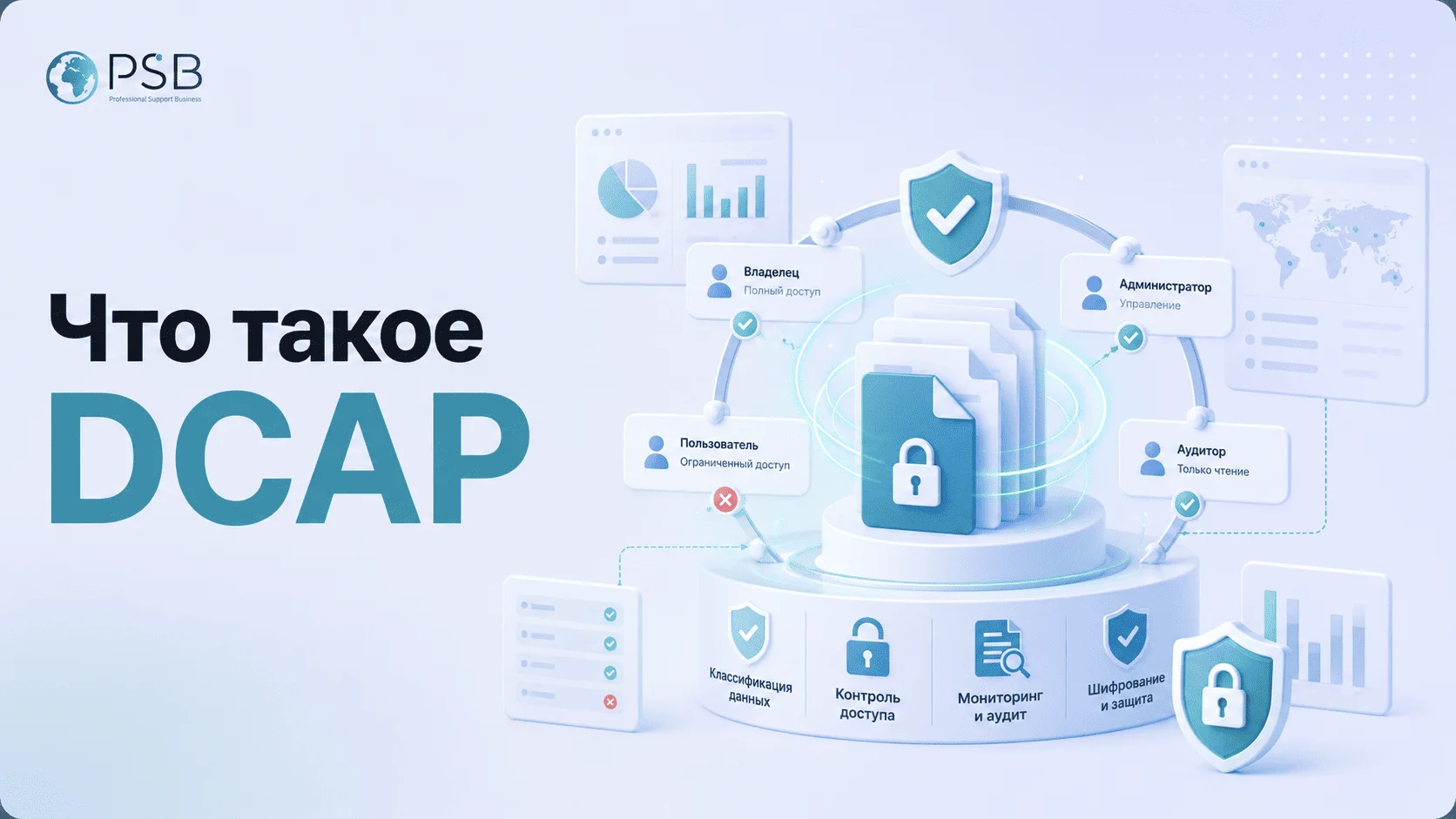
DCAP (Data-Centric Audit and Protection) is a technology for analyzing, auditing, and controlling access to data within corporate infrastructure. Simply put, a DCAP system is a solution that shows where important files are located, who has access to them, and how well these permissions align with employees' actual tasks.
The system helps businesses gain a transparent picture of data handling and quickly identify potential risks.
DCAP answers key questions:
- where sensitive data is stored;
- who has access to it;
- which permissions are excessive;
- who modified or copied files;
- which folders are most vulnerable;
- which data requires priority protection.
For InfoSec and IT, this is a full-fledged analytical solution that allows monitoring the state of file infrastructure without manually checking thousands of directories and accounts.
What Business Problems Does DCAP Solve
DCAP helps companies not only control access to information but also solve everyday problems related to storing and processing corporate data.
Chaos in File Storage
In many companies, files are stored haphazardly: data is duplicated, archives are not cleaned up, and important documents are mixed with ones.
DCAP helps:
- identify problematic storage;
- find outdated data;
- determine the most critical folders;
- understand the structure of information storage.
Excessive Access Rights
One of the main business problems is that employees have access to information they do not need for their work. This is especially common after personnel changes.
Excessive rights increase the risk of:
- data leaks;
- accidental file deletion;
- internal incidents;
- unauthorized data copying.
DCAP allows quickly identifying such violations and conducting access audits.
Shared Folders with Personal Data, Contracts, and Financial Files
Personal data, contracts, and customer documents are often in shared folders with broad access rights. This creates risks of leaks and violations of regulatory requirements.
The system automatically detects sensitive data and shows how correctly user permissions are configured.
Audit Complexity
Manual access checking requires significant time and resources. Auditing is especially difficult in companies with a large number of employees and file storage systems.
DCAP simplifies auditing through centralized reports, analytics, and monitoring of access rights changes.
Lack of Understanding Which Data Needs Priority Protection
Without information classification, companies struggle to determine which data is most critical to the business.
DCAP helps identify:
- sensitive documents;
- priority storage;
- the most risky access areas;
- users working with important data.
How DCAP Differs from DLP, IAM/IGA, and SIEM
DCAP is often confused with other information security systems, since they are all somehow related to data protection. However, the tasks of these solutions are different.
DLP systems control information transfer and help prevent data leaks via email, messengers, web services, or external media. DCAP works differently: the system analyzes the storage itself, data structure, and access rights within the company's infrastructure. Simply put, DLP monitors information movement, while DCAP monitors who can even access it.
IAM and IGA platforms manage accounts, roles, and the lifecycle of employee access. Such systems help issue and approve permissions but typically do not show the actual content of file storage. DCAP complements them by revealing the actual picture: what data is available to users and how justified that access is.
SIEM systems collect and analyze security events from various sources: servers, network equipment, applications, and security tools. Their task is to identify incidents and suspicious activity. DCAP, in turn, provides SIEM with additional context specifically related to data and access rights.
Thus, DCAP does not replace other InfoSec tools but addresses a separate task – controlling access to corporate data and analyzing the state of file infrastructure. In practice, it complements DLP, IAM/IGA, and SIEM, providing these systems with context about data, storage, and actual user permissions.
How DCAP Works in Practice
DCAP's operation is built around continuous analysis of file storage, user permissions, and data operations. The system connects to the corporate infrastructure and gradually forms a complete map of data access.
The System Scans Storage
At the first stage, DCAP analyzes file servers, NAS systems, network folders, and other data storage sources. Depending on the product, these may include SharePoint/OneDrive, corporate cloud storage, object storage, and other repositories.
During scanning, the system determines:
- directory structure;
- volume of information;
- file types;
- user activity;
- current access rights.
This provides a general understanding of the company's file infrastructure state.
Finds and Classifies Sensitive Data
After analyzing storage, DCAP identifies documents requiring enhanced protection. The system can detect:
- personal data;
- financial documentation;
- contracts;
- customer databases;
- internal reports;
- confidential files.
Classification helps understand which data is most critical to the business and where the main risks are concentrated.
Shows Actual Access Rights
One of DCAP's key capabilities is displaying real user and group permissions.
The system shows:
- who has access to folders;
- what permissions are assigned to employees;
- where excessive permissions exist;
- which accounts have not been used for a long time.
This helps quickly identify security policy violations and reduce the risk of internal incidents.
Records Operations and Permission Changes
DCAP tracks user actions within the file infrastructure. The system can record:
- opening and modifying files;
- deleting documents;
- copying data;
- changing access rights;
- creating new shared folders.
Such monitoring is especially important when investigating incidents and conducting internal audits.
Generates Reports and Signals for InfoSec and IT
Based on collected data, the system helps quickly obtain information about:
- critical permission changes;
- appearance of new risky folders;
- access policy violations;
- user activity;
- potentially dangerous actions with data.
Thanks to this, specialists can respond faster to threats and maintain control over corporate information.
Where to Start Implementing DCAP
Don't Start with the Entire Company
A mistake many companies make is trying to implement DCAP across the entire infrastructure at once. This approach overloads the IT department, complicates result analysis, and prolongs the project. It is much more effective to launch the system gradually.
Choose 2–3 Critical Storage Locations
At the start, you should not cover the entire company. It is better to choose 2–3 of the most critical storage locations containing personal data, financial documents, customer files, or internal reporting. These are typically file servers for accounting, HR, or the commercial department.
Start with Discovery and Audit
The first stage of implementation is discovery and data audit. At this step, the system analyzes storage, determines directory structure, identifies sensitive information, and shows current access rights. This approach helps understand the real state of infrastructure before changing security policies.
Conduct a Rights Review
After the initial audit, an access review is conducted. The company can identify:
- excessive permissions;
- outdated accounts;
- risky shared folders;
- uncontrolled user groups.
Configure Reports, Alerts, and Integrations
Only after this does it make sense to set up continuous monitoring, reports, alerts, and integrations with other InfoSec tools.
Assign Data Owners
Special attention should be paid to data owners. If no one within the company is responsible for specific storage and documents, maintaining order will be difficult even with modern security tools. Therefore, the implementation process should include regular access reviews and distribution of responsibility among departments.
How Hosting Helps the Infrastructure Layer
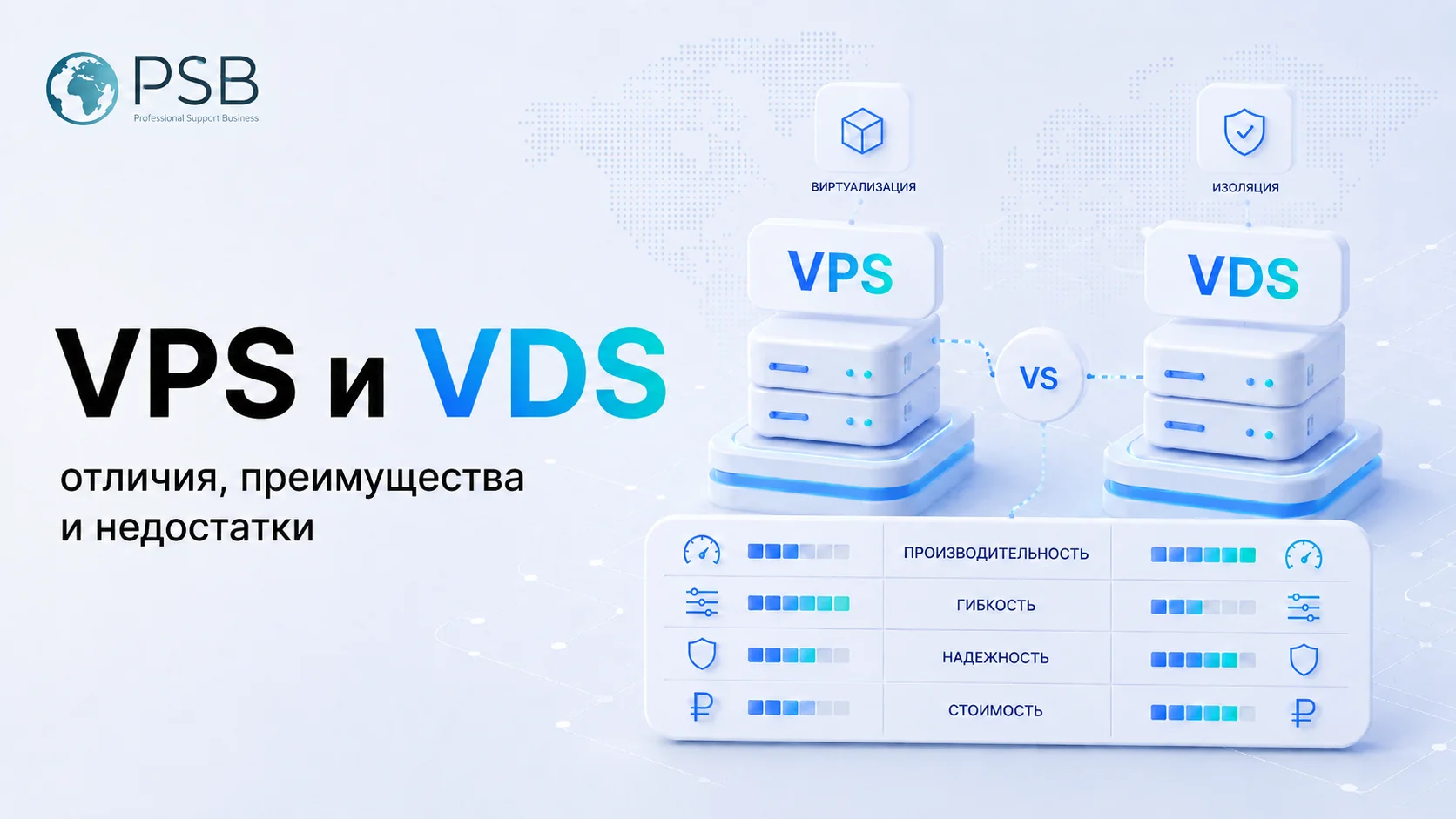
At the same time, DCAP does not work in a vacuum: stable infrastructure is needed for auditing, log storage, reports, backups, and testing environments. Hosting itself does not classify data or fix excessive permissions, but it helps deploy service components, staging environments, monitoring and backup systems. For example, VPS and server solutions from PSB Hosting can be used as part of the infrastructure layer for InfoSec services, report storage, integration testing, and backup placement of auxiliary systems.
What DCAP Does Not Solve by Itself
Despite its broad capabilities, DCAP is not a universal tool capable of addressing all information security tasks.
First of all, the system does not replace DLP. DCAP controls access to data within the infrastructure but does not prevent leaks via email, messengers, or external media.
Also, DCAP does not substitute for IAM and IGA platforms. Managing the account lifecycle, role approval, and automated access provisioning remain tasks for specialized systems.
Another limitation to understand: the technology cannot automatically eliminate chaos in the file structure if the company lacks data owners and clear rules for working with information.
Furthermore, DCAP does not replace basic security measures:
- data encryption;
- backup;
- antivirus protection;
- update management;
- security policy configuration.
The technology delivers maximum effect only as part of a comprehensive InfoSec system.
Conclusion
The volume of corporate data is constantly growing, and with it, the risks of leaks, internal incidents, and access configuration errors are increasing. At the same time, many companies still lack a complete understanding of where their critical files are located and who can work with them.
DCAP helps make file infrastructure more transparent and manageable. The system enables sensitive data identification, user rights control, audit simplification, and reduction of unauthorized access risks. Maximum effect is achieved when DCAP works together with data owners, regular access reviews, and basic InfoSec hygiene measures.