 October 24, 2025
The term “home network” today goes far beyond just a PC and a couple of smartphones.
Now it’s a complete ecosystem of devices — speakers, cameras, media servers, and various smart gadgets controlled through a local network.
And it’s natural to want permanent access to all of this from outside the home — for example, while on a business trip, vacation, or away from home in general.
That’s where a VPS comes to the rescue.
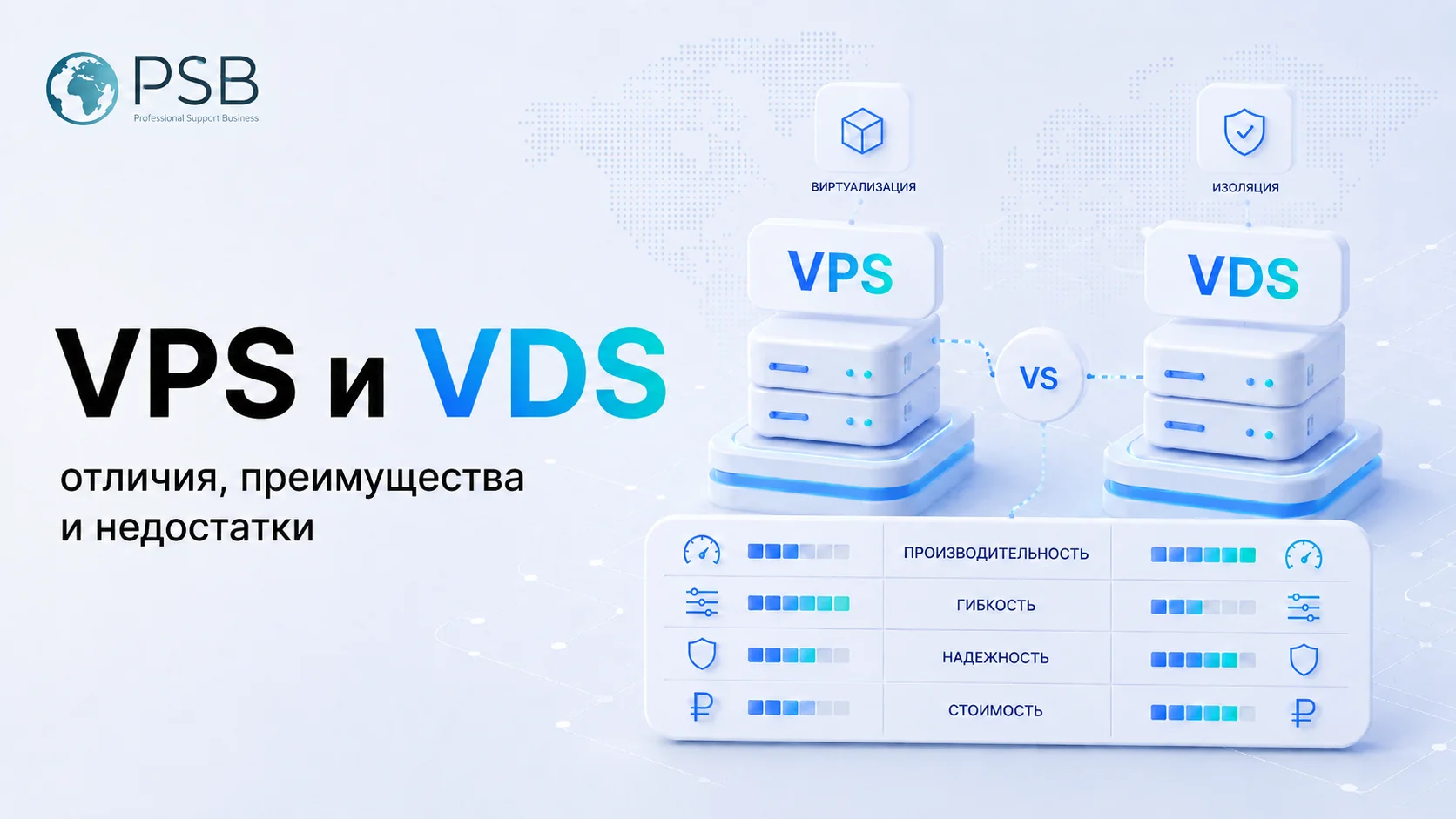
A VPS (Virtual Private Server) is an isolated virtual machine on a physical server that emulates real hardware. The user gets root access, can install an operating system and software, and configure the server for their needs.
So what’s the connection between your home router, standing somewhere in the hallway, and a remote VPS server located in a data center?
It’s a direct one.
Your home router and VPS server work as a tandem because, in the classic scheme, remote access to a home network requires a “white” (unique and static) IP address from your Internet provider.
After that, you need to set up port forwarding on the router — for example, make incoming requests to port 8080 redirect to port 80 inside your network.
However, this approach has several problems — and that’s exactly what using a VPS with your router helps to solve.
Problem #1 – Low Speed
Home Internet connections typically have limited bandwidth, which creates a bottleneck for all incoming connections. A VPS, on the other hand, offers a symmetric channel — high speeds for both upload and download — and lower latency. This makes it an ideal choice for media streaming.
Problem #2 – Too Much to Remember
If you have multiple servers on your home network, you’ll need to configure port forwarding for each one. You’ll also have to remember which port corresponds to which device or service. A VPS can solve this by running a reverse proxy, allowing you to route all traffic through a single point and direct it to the right destination on your home machine.
Problem #3 – Security
Port forwarding equals a hole in your firewall. By exposing a home service (which may have vulnerabilities) directly to the Internet, you turn your network into a target for port scanners and crawlers. A VPS, on the other hand, encrypts all traffic by default — both inbound and outbound.
Why Home Routers Can’t Handle It
Port forwarding exists in almost every modern router’s firmware — even in budget models. That’s true.
However, a home router is still a limited consumer device, designed for basic tasks. The limitations become clear once you try to use it as a gateway for constant external access:
- Weak CPU and little RAM – Encryption is resource-intensive, and the router may simply crash under load.
- Dynamic IP address – Most ISPs issue changing “gray” IPs, making it impossible to maintain a stable connection. You might access your network today but find your IP reassigned tomorrow.
- Port blocking – ISPs often block incoming connections on most ports for security reasons, making port forwarding useless.
- Unreliability – A home router is a consumer-grade device. It can shut down due to overheating or power issues, completely cutting off remote access.
Why You Need a VPS for Your Router
A VPS is a powerful, reliable, and — most importantly — always available intermediary that solves all the issues mentioned above. Through it, you can create a secure gateway that your home router will stay connected to at all times.
This setup unlocks several key advantages:
- Access your home network from anywhere in the world.
You can easily connect to your smart home systems or cameras as if you were at home — just a couple of clicks away. All traffic is encrypted and protected. - Centralized ad and tracker blocking.
On your VPS, you can deploy tools like Pi-hole or AdGuard Home to block ads, pop-ups, and trackers before they even reach your home network. This works across all your devices — from Smart TVs to smartphones — without needing to install extra software. - Personal cloud for projects.
A VPS lets you host your own websites and servers — for example, for shared movie streaming or collaborative work. You retain full control over your data and privacy, free from the limitations of commercial hosting providers.
How It Works in Practice
Your home router, after receiving an IP address from your ISP, automatically establishes an encrypted connection with the VPS, which has a permanent public (“white”) IP.
When you connect remotely, you first log in to the same VPS. The server recognizes you as an authorized user and securely forwards your traffic to your home network.
This means your home IP remains hidden, your connection is fully encrypted, and you gain safe, continuous access to your home network from anywhere in the world.
What You Need to Get Started
The setup process is fairly straightforward and follows a common pattern:
- Choose a compatible router.
Look for models that support alternative firmware — for example, Keenetic routers. They allow Wi-Fi mesh integration and seamless roaming using standards like 802.11k/r/v. - Rent a virtual server (VPS).
Even a basic plan costing around $3–5 per month is usually sufficient. - Configure the server.
On your VPS, install and configure the necessary software. You can also deploy optional tools, such as an ad blocker (Pi-hole, AdGuard Home, etc.). - Connect the router to the server.
Finally, configure your home router as a client — enter the VPS details (IP address, keys, credentials) and activate the connection.
In Summary
Using a VPS with your home router is a practical, reliable, and affordable way to build a private, secure, and functional network infrastructure.
You’re no longer dependent on a dynamic IP or the limitations of your home hardware.
Instead, you gain full control, secure remote access to your data from anywhere, and the ability to run personal 24/7 services on your own terms.