 December 31, 2025
Wi-Fi in public places provides free communication, access to marketplaces, and work with online services. With it, you can check email and communicate on social networks прямо in a café or shopping mall, work and entertain yourself without using mobile traffic. However, when connecting to a free network, remember the risks associated with it. The main one is the lack of anonymity and security. The PSB Hosting team has prepared its recommendations for working with public Wi-Fi.
Who is watching you in a public network
Public Wi-Fi networks do not use encryption or use it minimally, which increases the risk of interception of personal information. This is like sending a letter without an envelope — anyone can read it and use the information.
The owner of the Wi-Fi network: what they see, collect, and why
Depending on the router functionality, the owner of a public Wi-Fi access point has access to the following information about its users.
- Basic information about devices. This includes the device name (hostname), its type, and operating system — for example, a smartphone (brand, model) on Android. The network owner sees the IP address, which determines the location of the device within the network, and the MAC address, which allows identifying a smartphone, tablet, or laptop even if it changes its IP address.
- Connection information. This includes the time of connection and disconnection, the volume of transmitted data, and the domain names of visited websites without traffic content — that is, specific pages, search queries, and correspondence are not visible to the Wi-Fi owner.
- Limited traffic analysis: its type and used ports. It is visible which online games, applications, and services the user launched, whether they watched streaming video and used web surfing.
This information allows the Wi-Fi access point owner to assess and improve network security, optimize its management, and improve service quality. At the same time, visitor data and their internet preferences allow analyzing their behavior, venue attendance, advertising effectiveness, and service popularity.
Neighbors on the network: what they can do
Neighbors on the Wi-Fi network — that is, people using the same wireless network as you — can do several things.
- Use your internet bandwidth and view shared resources. If they download large files or watch videos, this can slow down your internet speed.
- Scan the network. A neighbor can see data about the brand and model of your device, its operating system, and open ports.
- Intercept unencrypted traffic. If HTTPS is not used, your logins, passwords, and email content may be intercepted. It is also possible to change settings, block the network, and substitute website pages.
- Attack your device. They can gain access to your files, install malicious software, or take control of the device.
The last two points are available only to technically advanced Wi-Fi neighbors and may require physical access to your mobile device.
Fake access point: how it works
A fake Wi-Fi access point (Evil Twin or honeypot) is an imitation of a legitimate one, created for the purpose of intercepting user data. It usually has a familiar, trust-evoking name and open access. To create it, a device capable of transmitting a Wi-Fi signal is required: a regular laptop, smartphone, Raspberry Pi, Wi-Fi equipment, and special software — Airbase-ng, Fluxion, or WiFi Pineapple.
A fake access point gives its owner the following capabilities:
- Steal account and personal data. These include logins and passwords from services, banking details, card numbers, and other personal information. This is done, among other things, through phishing — redirection to fake login pages (for example, a fake Gmail page).
- Distribute malicious software. Through a fake access point, users are redirected to fake websites infected with viruses.
- Track visited websites, time spent on them, and other internet activity.
- Carry out DoS attacks. Their goal is to disable a server, computer system, or network devices by massively sending requests from multiple devices, creating overload. This is exactly why a fake Wi-Fi access point and connected devices are needed.
For users, such a point is no different from a public Wi-Fi network, and its security does not raise suspicion.
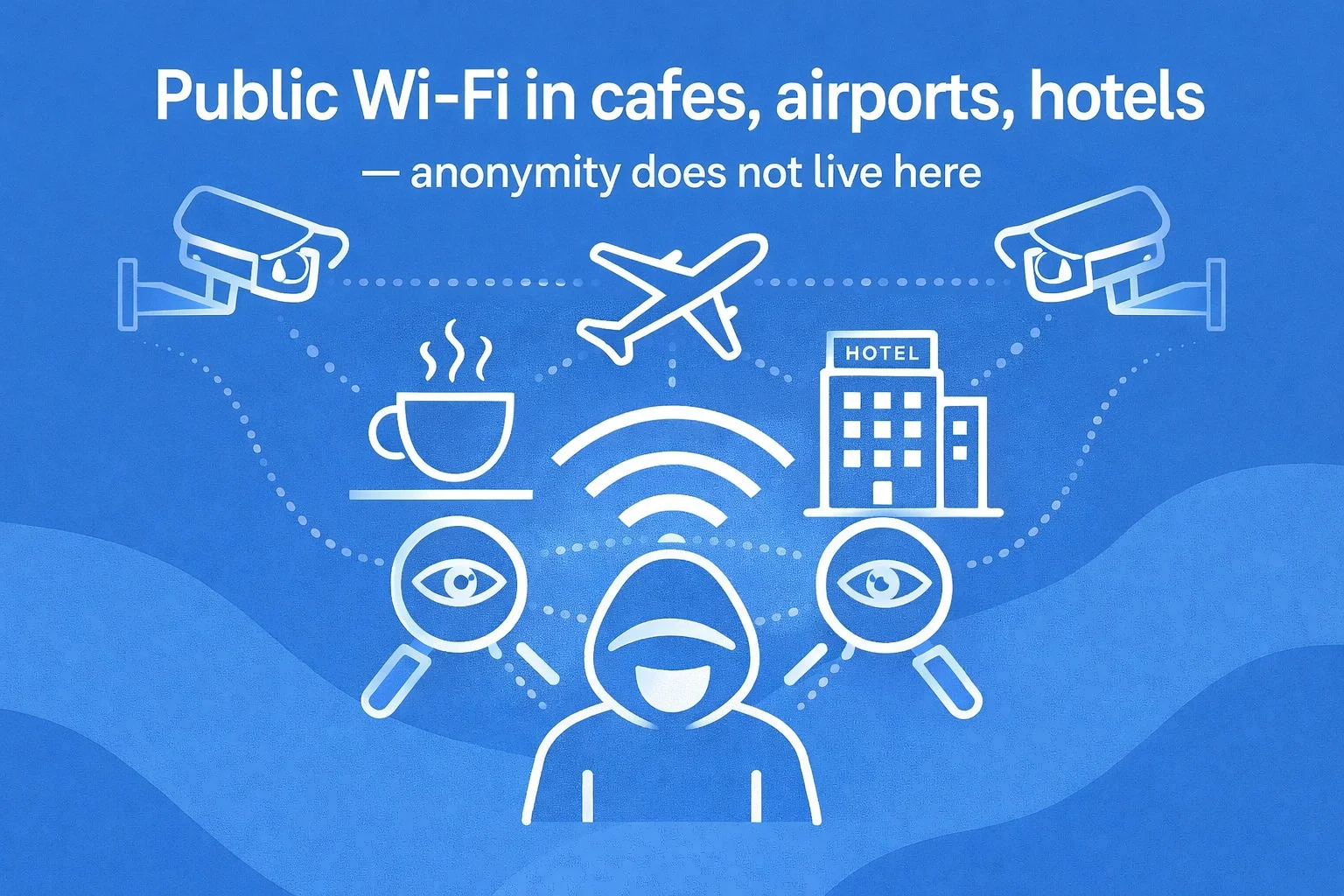
Technical reasons: why “anonymity” in public Wi-Fi is a myth
The main danger of a free public Wi-Fi access point lies in the theft of personal data and traffic, the use of unsuspecting users for DoS attacks, and infection of their devices with viruses. No matter what security and anonymity the owner of such a network guarantees, technically it is impossible for the following reasons.
- MAC address tracking. Through unsecured Wi-Fi, it is possible to track the movement of a mobile device using its unique MAC address — it is rigidly tied to the device and does not change. It is not necessary to log into accounts for this. By MAC address, one can track network connections, movement, time spent on sites, etc.
- Uniqueness of the browser digital fingerprint. The higher it is, the easier it is to track you. A digital fingerprint is formed taking into account the browser version, OS, plugins and extensions, WebGL, Canvas, Audio API support, supported fonts, screen resolution, time zone, language settings, etc. It allows websites to identify you even when the IP address changes (for example, when switching between different Wi-Fi networks).
- Lack of end-to-end encryption. Most public Wi-Fi networks either do not use encryption at all or use very weak encryption. This means that your logins, passwords, and other personal information can be intercepted by attackers located on the same network.
- Authorization data. To connect to a public Wi-Fi network, it is often required to provide a phone number, username, password from government services, passport data, provider contract number, etc. The law requires the owner of a public Wi-Fi network to identify users. However, any authorization, even the simplest one, leaves a digital trace. There are no “secret authorization data” that guarantee 100% security.
Using public Wi-Fi provides internet access but is associated with high risk. Anonymity is practically absent, so it is important to take measures to protect your data.
Protection strategy: what to do in reality
Despite high risks, it is possible to protect yourself and your data in a public Wi-Fi network. For this, use basic recommendations and special services.
Basic level
- HTTPS protocol. The lock icon next to the site address indicates that this protocol is used — it not only encrypts data but also protects against interception.
- Disable automatic connection to public Wi-Fi networks and file sharing.
- Timely turning off Wi-Fi. Turn it off immediately after use.
- Refusal to enter passwords, bank card data, and other confidential data when using a public Wi-Fi access point.
- Regular software updates to the latest version, which usually has a higher security level.
These steps provide a basic level of protection but do not guarantee complete security.
Advanced level
- Connection via VPN. It creates an encrypted tunnel between the mobile device and the VPN server, through which all internet traffic passes, making it unreadable to outsiders.
- Two-factor authentication (2FA).
- Firewall usage.
- Changing DNS settings. It is recommended to use versions no lower than Cloudflare 1.1.1.1, Google 8.8.8.8, and others.
- Use of virtualization software such as VirtualBox, VMware, Docker.
- Installing script and ad blockers. NoScript blocks JavaScript protocols, uBlock Origin blocks ads and malicious scripts.
- Hardware security key (FIDO2) such as Google Titan Security Key.
Regular checking of security settings and antivirus installation remains mandatory.
What does not work
The danger of free public Wi-Fi is not exaggerated. Simply avoiding suspicious sites and enabling “incognito” mode is not enough. You can encounter attackers even on legitimate sites. The following services and methods definitely do not protect against them:
- Free VPN. A good VPN service invests in infrastructure and security, while an unreliable one earns money by selling personal data, showing ads, and installing malicious software.
- Outdated, long-unupdated antivirus.
- Enabling a firewall without blocking incoming traffic from all ports.
- Simple passwords, including identical ones for all services and accounts.
Protection on public Wi-Fi networks requires a comprehensive approach — a multi-level defense is needed. Do not ignore system threat notifications and regularly make data backups — in case of infection or data theft, it will help restore the information.
Location Specifics: Where It Is Most Dangerous
Each location has its own risks associated with connecting to a public Wi-Fi network. Below is a list of the most dangerous ones.
Airports and Train Stations
Here, there is the highest concentration of valuable information. In the waiting area, people often work, make payments, check email, correspond, that is, they are connected to Wi-Fi for a long time. Its level of protection here is not high, and software is rarely updated. This approach is explained by high foot traffic and stable demand even for unsafe, unprotected connections — the owner has no need to invest in protection and infrastructure development. A high concentration of users is advantageous to attackers — many potential victims, higher success of the attack.
The most dangerous threats at train stations and airports include traffic interception and unencrypted passwords, connection to a fake Wi-Fi network, and device infection with malicious software.
Hotels
Hotels accommodate people with different levels of technical literacy. Wi-Fi networks here are regularly not updated, and little attention is paid to their security (the exception is expensive 5-star hotels investing in security). Free connections are used by both guests and staff. Here, one should be wary of traffic interception and scanning, and infection with malware through advertisements or fake updates.
Cafes and Restaurants
People spend less time in cafes than in airports or hotels. Here, they mainly browse social networks, respond to messages, visit online stores and informational sites, that is, the volume of confidential information is much lower. The most likely threats include interception of unencrypted traffic, connection to a fake Wi-Fi network, and virus infection through advertisements.
Conclusion
Public Wi-Fi networks are convenient but not safe. The first and most important step to protect confidential information is to abandon the illusion of anonymity. Recommendations from PSB Hosting will help secure free internet connections even in high-risk locations. We are ready to answer all questions regarding improving online security, including equipment for public Wi-Fi networks and working with it.