 June 8, 2026
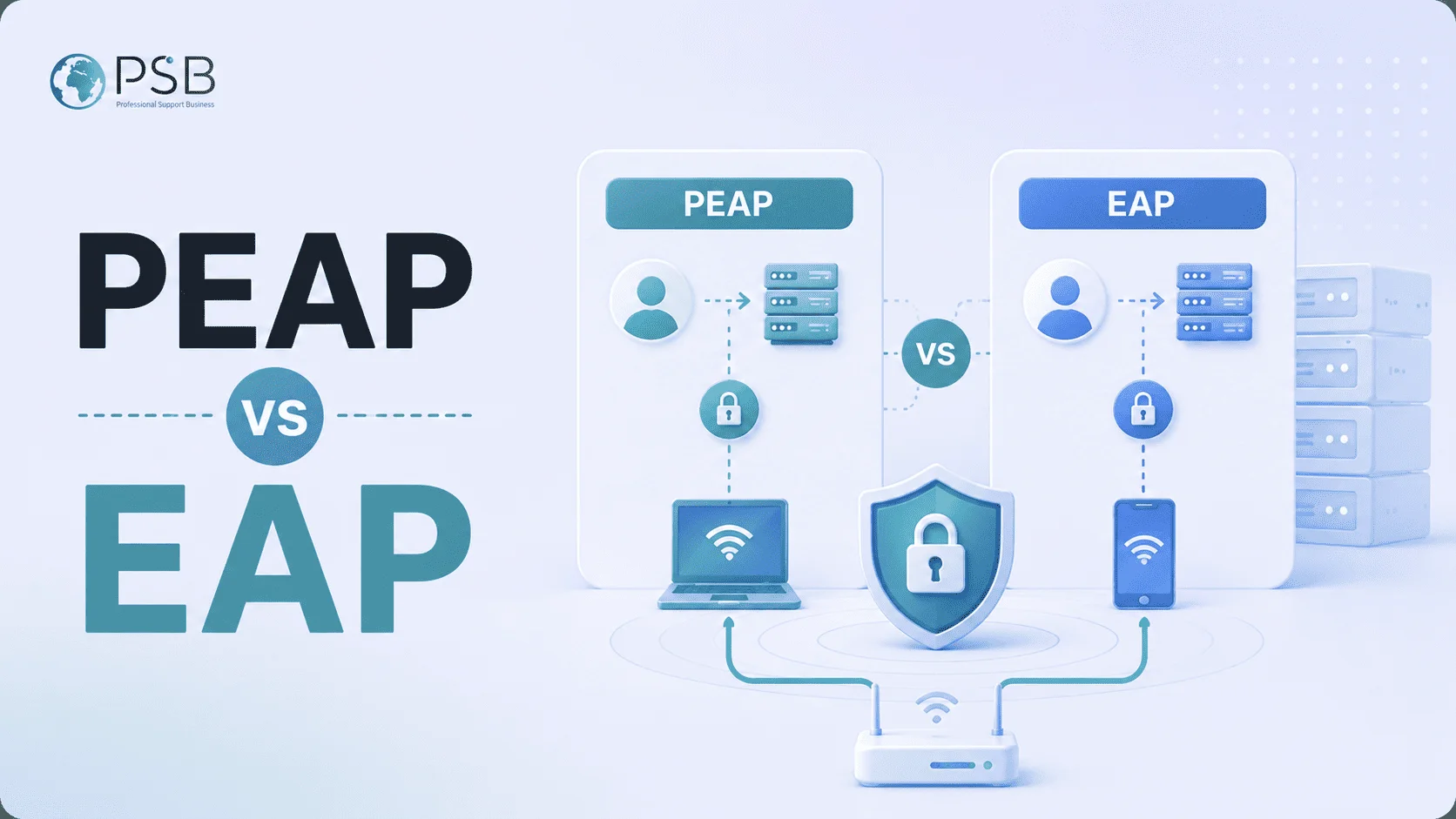
Corporate networks are most often built on the WPA2-Enterprise or WPA3-Enterprise standard using EAP family protocols. Companies typically choose between two main authentication methods: PEAP and EAP-TLS. They are widely used, supported by most modern devices and operating systems, and allow centralized user authorization via a RADIUS server. However, there are differences in architecture, security, deployment cost, and operational convenience. Let's take a detailed look at how the PEAP and EAP-TLS methods differ, what advantages and limitations each has, and which option is better suited for a particular business.
PEAP, EAP, and EAP-TLS: How They Are Related
EAP as a Framework
EAP (Extensible Authentication Protocol) is not a separate authorization method, but a universal framework for authenticating users and devices in networks. It is used in corporate Wi-Fi, VPNs, 802.1X wired networks, and other access control systems. The main idea of the EAP protocol is that the protocol itself does not define a specific identity verification mechanism. Instead, it allows various authentication methods to be used within a single architecture. In corporate Wi-Fi environments, PEAP and EAP-TLS are most commonly used, as they are supported by most operating systems, network equipment, and access management systems.
PEAP as a Tunnel Method
PEAP (Protected EAP) is one of the most popular corporate Wi-Fi authentication methods. It allows protecting the transmission of a user's login and password inside an encrypted TLS tunnel. The main advantage of PEAP is its relative ease of implementation. Companies can use existing employee accounts without deploying a certificate infrastructure for each individual device. PEAP authentication does not always guarantee absolute security. The main drawback of this method is its dependence on user passwords. In combination with MS-CHAPv2 and improper verification of the RADIUS server certificate, the PEAP protocol can provide an attacker with material for a credential attack via rogue access points.
EAP-TLS as a Certificate-Based Method
EAP-TLS is considered one of the most secure Wi-Fi authentication methods in corporate environments. Instead of passwords, client certificates are used. This method provides a high level of security through mutual authentication of devices and servers. It is significantly more difficult for an attacker to connect or intercept a session, since digital certificates, not passwords, are used to verify authenticity. The EAP-TLS protocol is implemented in areas with high cybersecurity requirements. It is used by IT companies, government organizations, banks, and research centers. The main disadvantage of the method is its more complex implementation. EAP-TLS requires a certificate infrastructure: a CA, certificate issuance, automatic renewal, and device lifecycle management.
Comparison of PEAP and EAP-TLS for Business by Key Criteria
Security
In terms of security level, EAP-TLS surpasses PEAP, which depends on user passwords. Even with complex policies, risks remain:
- password reuse;
- data leaks via phishing;
- human factor;
- weak combinations;
- account compromise.
The query "PEAP TLS" is often used when comparing PEAP and EAP-TLS. It is important not to confuse these approaches: EAP-TLS eliminates the password problem itself. A certificate cannot be guessed or brute-forced. It can be quickly revoked if a device is lost or an employee is terminated. If enhanced wireless network security is a priority for a company, EAP-TLS most often wins.
Deployment Speed
Here, the advantage is usually on the side of PEAP. To launch the protocol, the following are sufficient:
- a RADIUS server;
- a server certificate;
- Active Directory or LDAP;
- 802.1X configuration.
In many cases, the infrastructure already exists.
EAP-TLS requires significantly more preparation:
- PKI deployment;
- client certificate issuance;
- auto-renewal configuration;
- integration with MDM;
- automation of certificate issuance.
Pilot launch and deployment of PEAP is noticeably faster than implementing schemes based on digital certificates.
Operational Cost
At the start, PEAP is cheaper for businesses. The company does not need to build a full certificate infrastructure or train the IT department in PKI management. In the long term, the situation is not always so clear-cut. The PEAP protocol creates ongoing operational expenses:
- password resets;
- helpdesk calls;
- MFA issues;
- account lockouts;
- user errors.
EAP-TLS requires larger initial investments but then reduces support burden through automation.
Convenience for Employees
When implementing PEAP, users need to enter a password regularly. Users may forget credentials, change logins or passwords, or lose connection after an operating system update. EAP-TLS works almost invisibly to the employee:
- the device automatically receives a certificate;
- connection occurs without entering a login;
- the user is not involved in the process;
- the number of user errors is reduced.
From an employee convenience perspective, the EAP-TLS method is usually more convenient, as it eliminates the need to enter, remember, and regularly change passwords.
Device Fleet Compatibility
PEAP is supported by almost all corporate platforms:
- Windows;
- macOS;
- Android;
- iOS;
- Linux;
- legacy devices.
EAP-TLS is also widely supported, but some older devices may have issues:
- legacy printers;
- terminals;
- old Android versions;
- legacy IoT devices.
For heterogeneous device fleets, it is often simpler to use PEAP. It works on almost any OS, smartphone, printer, and IoT device because it uses standard login and password.
Scalability
For large commercial companies or government organizations, EAP-TLS is usually more scalable. When using a large number of devices, password management becomes a serious problem:
- users forget credentials;
- difficulties with login or system errors after password changes arise;
- support burden increases.
EAP-TLS is preferable for large-scale corporate environments. It provides a higher level of security and scales better due to automation of certificate issuance via PKI.
When PEAP Remains a Rational Choice
Despite the growing popularity of EAP-TLS, PEAP cannot be considered obsolete or unsuitable for business. It can be chosen for corporate Wi-Fi connectivity if:
- the company is small or just starting its operations;
- there is no MDM system;
- there is no own CA;
- the IT department is resource-constrained;
- the device fleet is heterogeneous;
- the budget is minimal;
- a secure Wi-Fi needs to be launched quickly.
PEAP can be an optimal solution for small and medium-sized businesses. With proper configuration, it can provide a good level of security.
When EAP-TLS Is Already Preferable
EAP-TLS becomes preferable when strict security and confidentiality are critically important to the business. This method is typically used when:
- MDM is present;
- Intune or Jamf is used;
- Zero Trust is being implemented;
- high compliance requirements exist;
- there is a large number of managed devices;
- a developed PKI infrastructure is in place.
EAP-TLS is also optimal for companies that want to move away from using passwords.
Today, many businesses are gradually transitioning to passwordless access, and certificate-based authentication fits perfectly into this concept.
How to Choose in Typical Business Scenarios
Small Business Without MDM and Without CA
For a small company of 20-50 employees, PEAP is the most practical solution. The reasons for implementing this protocol are obvious:
- low entry barrier;
- minimal infrastructure;
- rapid deployment;
- no need to maintain PKI.
The main thing is to correctly configure RADIUS server certificate verification.
Medium-Sized Company with AD / Entra / Intune / GPO
EAP-TLS becomes a more attractive option if the organization already uses:
- Active Directory;
- Microsoft Entra ID;
- Group Policy;
- Intune;
- corporate laptops.
In such an environment, certificates can be issued automatically, and device management is already centralized.
Large Organization with High Security Requirements
For banks, microfinance organizations, industrial enterprises, medical institutions, and research centers, EAP-TLS almost becomes the standard. The main reasons:
- minimizing phishing risks;
- device control;
- integration with NAC;
- compliance with audit requirements;
- reducing the likelihood of compromise.
In large and well-developed infrastructures, the advantages of the certificate-based model are noticeable.
BYOD and Contractors
The BYOD environment is more complex. If employees use personal devices, implementing EAP-TLS may be inconvenient without a full-fledged MDM. In such cases, a mixed scheme is usually used:
- corporate devices - EAP-TLS;
- guest access - separate SSID;
- contractors - PEAP or captive portal.
The choice of a specific scheme depends on the level of trust in employees, the company's security policies, and the specifics of its operations.
Mixed Environment with Legacy Devices
Many companies have a mixed environment:
- new laptops;
- old terminals;
- IoT devices;
- industrial equipment;
- specialized controllers.
In such conditions, a full transition to EAP-TLS is sometimes impossible. A hybrid model is often used: main SSID - EAP-TLS, separate segment for legacy - PEAP, separate VLAN for IoT.
How to Migrate from PEAP to EAP-TLS Without Pain
A sharp transition from PEAP to EAP-TLS is not always successful. A gradual migration is much more effective. The main stages:
- Analysis of the current infrastructure. Before migration, it is necessary to check whether access points and Wi-Fi controllers support WPA-Enterprise/802.1X, and whether the RADIUS server supports EAP-TLS. The readiness of employee devices to use certificates is also assessed.
- Deployment of PKI infrastructure. The company sets up a certificate authority (CA) to issue digital certificates. Rules for certificate issuance and renewal are defined.
- Configuration of RADIUS and Wi-Fi network. EAP-TLS support is enabled on the authentication server, server certificates are uploaded, and new access policies for the wireless network are created.
- Issuance of client certificates. They are installed on personal computers, laptops, smartphones, and other user devices. Active Directory, GPO, or MDM systems are typically used for automation.
- Pilot group testing. First, the new authentication scheme is tested on a small group of employees. This helps identify compatibility errors and connection problems.
- Gradual user migration. After successful testing, the remaining employees are transitioned to EAP-TLS, and the use of PEAP is gradually restricted.
- Disabling PEAP and security monitoring. At the final stage, the legacy authentication method is disabled, and administrators continue to monitor certificates and network access policies.
After migration, the company gains a higher level of network security through mutual authentication and the elimination of password use. Hosting does not choose the authentication method for the IT team nor protect Wi-Fi from credential interception on its own. But a reliable VPS can be part of the infrastructure: a RADIUS/NPS-compatible service, a test environment for pilot migration, logs, monitoring, and configuration backups can be hosted on a separate server. VPS from PSB Hosting are suitable for staging, isolating service components, and securely testing changes before deploying to the corporate network.
Implementation Mistakes That Break Both PEAP and EAP-TLS
If the configuration of EAP-TLS or PEAP is performed incorrectly by an administrator or IT team, it can lead to complete authentication failure, account lockout, or corporate network vulnerability. Common mistakes:
- Ignoring server certificate verification. Many companies disable RADIUS server certificate verification to simplify user connection. Such actions lead to serious network security vulnerabilities. An attacker can intercept credentials or network traffic.
- Using outdated TLS versions. Support for old TLS versions and weak encryption algorithms significantly reduces Wi-Fi network security. Outdated protocols often become targets of cyberattacks.
- Lack of network segmentation. If all devices are on the same network without separation by roles and access levels, compromise of one client can lead to threat propagation throughout the entire infrastructure.
- Weak device control. Connecting personal or work computers, laptops, smartphones without checking updates, antivirus protection, and security policies increases the risk of corporate network infection and data leakage.
- Lack of certificate automation. Manual certificate issuance and renewal increases the likelihood of errors and user connection problems. Automation via PKI and MDM reduces the administrative burden and decreases the number of failures.
The main mistake when implementing various EAP methods is refusing to verify the server certificate, leading to MitM attacks. For secure configuration, root CA verification should be enabled, automatic certificate issuance should be used, and manual user configurations should be avoided whenever possible.
Conclusion
EAP methods are not separate programs, but authentication methods within a single protocol framework. They help improve corporate network security and prevent unauthorized access to a company's critical resources. PEAP remains a good choice for small businesses and organizations that need a quick launch with minimal costs. It is easier to implement and compatible with almost any device. EAP-TLS provides a higher level of security, eliminates dependence on passwords, and is better suited for modern enterprise infrastructures. At the same time, it requires a mature IT environment, automation, and a willingness to maintain PKI.