 June 7, 2025
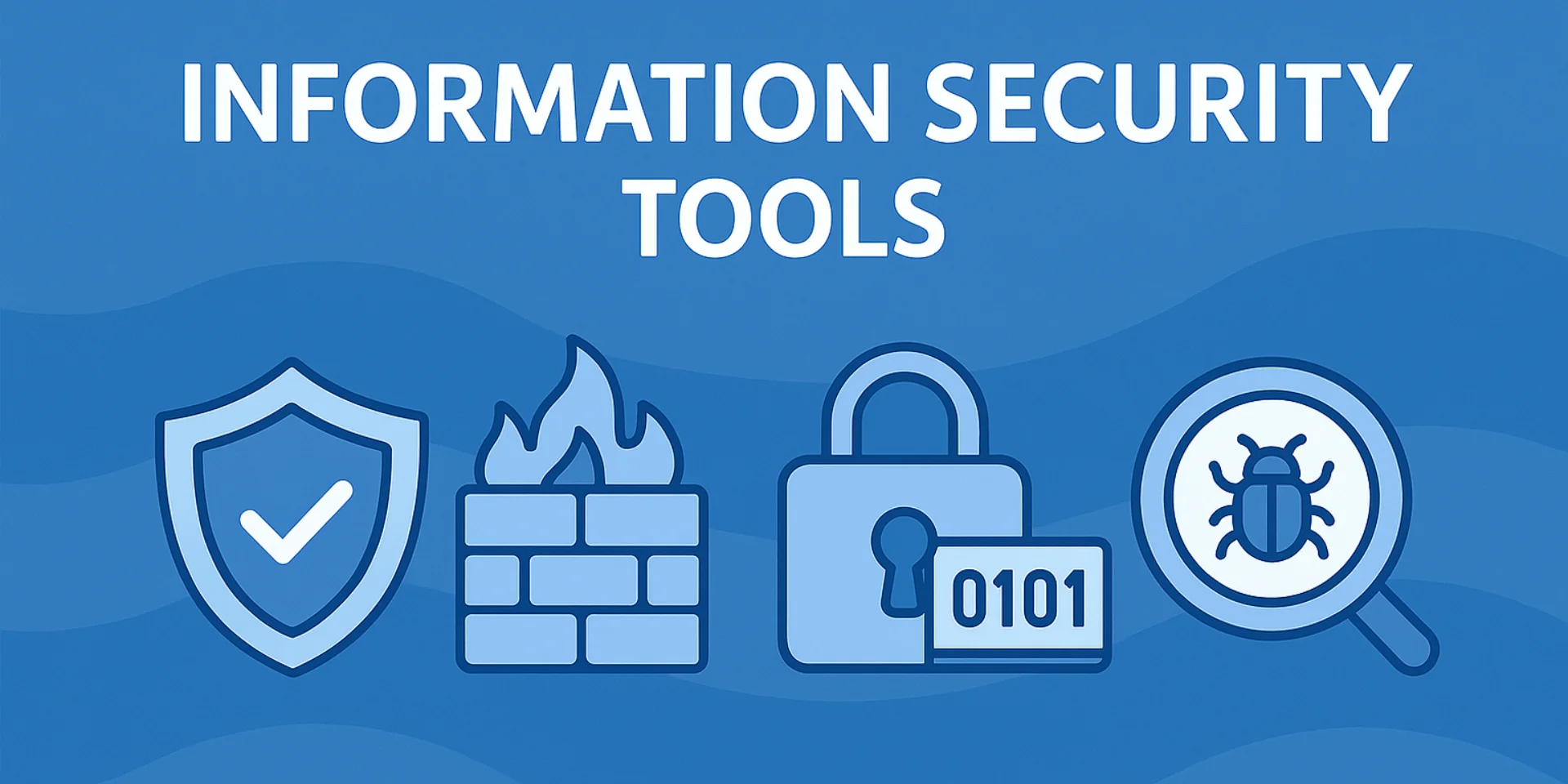
In a world of constant threats like data leaks, phishing, and other attacks on information infrastructure, protecting data has become a necessity for everyone. As a result, information security tools (ISTs) are no longer the exclusive domain of government agencies and large corporations. Let’s take a closer look at the types of ISTs, what they protect against, where they’re used, and how to choose the right solution for your needs.
What Are ISTs and How Do They Differ from Cybersecurity and Information Security?
The abbreviation IST (Information Security Tools) refers to a broad arsenal of technical, software, organizational, and legal tools aimed at keeping data safe. Here’s how ISTs differ from cybersecurity and information security:
- Cybersecurity is a subset of information security focused specifically on protecting digital data, systems, and networks from cyberattacks (like hackers, viruses, DDoS attacks, and other online threats).
- Information security (InfoSec) encompasses not only technical measures but also human factors, policies, legal regulations, physical protection, and everything else related to ensuring the confidentiality, integrity, and availability of information.
- ISTs are the concrete tools and methods used to achieve that security—beyond just antivirus software and firewalls, they include digital signatures, unauthorized access prevention systems, cryptographic tools, legal agreements, authentication tokens, employee training, and more.
To put it simply:
- Information security is the goal,
- Cybersecurity is the battlefield,
- ISTs are the weapons and shields.
In other words, ISTs are the active components of a protection system that, when properly configured, can genuinely safeguard your business, reputation, and finances.
What Threats Do ISTs Help Prevent?
Information Security Tools (ISTs) are not just barriers—they are smart mechanisms designed to detect, prevent, and neutralize specific types of threats.
Malware (viruses, trojans)
Antivirus software, application behavior analysis systems, and EDR (Endpoint Detection and Response) solutions track attempts to launch suspicious code, infect systems, or implant trojans and keyloggers. They detect known threats using signatures and analyze suspicious behavior at the process, file system, and network levels.
Hacking, phishing, data leaks
ISTs help block most classic attack vectors:
- Plaintext passwords – mitigated with DLP systems and encryption;
- Phishing – countered by anti-spam filters and employee training;
- Brute-force attacks – prevented through IDS/IPS, two-factor authentication, and log monitoring;
- Leaks via email or flash drives – controlled using DLP and access policies.
A combination of software and organizational measures effectively prevents data leaks—even from inside the organization.
DDoS attacks and traffic spoofing
UTM (Unified Threat Management), NGFW (Next-Gen Firewalls), anti-DDoS systems, and network filters screen out junk traffic, hide infrastructure from scanning and DNS spoofing, and restrict access to critical resources. Encryption and traffic integrity checks (e.g., using TLS and VPN) protect against MITM (Man-in-the-Middle) attacks and tampering at the communication channel level.
Insider Threats from Employees
This is one of the most complex categories, but ISTs can handle it as well:
- DLP (Data Loss Prevention) monitors where documents are sent and who opens them;
- SIEM (Security Information and Event Management) analyzes user behavior and can detect insiders based on log anomalies;
- Cryptographic tools restrict document access to only those with the appropriate keys or permissions.
Additionally, the organizational and legal side of ISTs plays a crucial role—this includes internal policies, NDAs, audits, access control, and regular training.
Modern threats are diverse, and only a systematic approach can build a multi-layered defense where each measure reinforces the others.
What Data Needs Protection and Why
To build an effective security system, it's crucial to understand what exactly needs to be protected. In the hands of an attacker, any information can lead to serious consequences—from financial losses to criminal liability.
Personal Data
Full names, passport details, phone numbers, emails, addresses, tax IDs, insurance numbers, biometrics—all fall under personal data. Their protection is regulated by Law 152-FZ. Even a minor data leak can result in:
- fines from Roskomnadzor;
- reputational damage;
- fraud targeting clients or employees.
ISTs (Information Security Tools) in this area include encryption, access control, DLP systems, transmission channel monitoring, and logging.
Commercial and Government Secrets
Projects, R&D, business strategies, technical documentation, government contracts, and information about suppliers and clients are all of interest to both competitors and attackers. A leak of such data can:
- derail a tender or deal;
- lead to financial losses;
- trigger legal or regulatory investigations.
Protection here requires a comprehensive approach: from cryptography and certified security tools (CSSTs) to organizational measures and NDAs.
Personal correspondence, photos, documents
The importance of employees’ and users’ personal data should not be underestimated. Social networks, messengers, email, photos from devices connected to the corporate network — all of these are potential targets for:
- blackmail;
- social engineering;
- key guessing attacks.
Critical measures here include:
- use of secure communication channels;
- containerization;
- MDM (Mobile Device Management) policies;
- staff training.
Client and partner data
CRM databases, correspondence with clients, contracts, supply terms — these form the business’s foundation. Their leakage:
- damages trust;
- may breach agreement terms;
- leads to lawsuits, losses, and client churn.
Information security tools ensure confidentiality, integrity, and availability of these data whether on office networks, in the cloud, or during remote work.
Types of Information Security Tools
Information security tools form a whole ecosystem of instruments and approaches. They can be classified as follows.
By purpose
Software security tools
- Antivirus — the basic line of defense against malware.
- Firewalls — filter network traffic based on set rules.
- DLP (Data Loss Prevention) systems — control information leaks via email, USB, messengers, etc.
- Device control systems, policies, and access rights management.
Hardware security tools
Physical devices or modules that create a secure environment or control:
- USB tokens and smart cards — store digital signature keys, used for authentication;
- Hardware Security Modules (HSM) — protect keys and perform cryptographic operations;
- NGFW (Next-Generation Firewall) — firewalls with deep packet inspection (DPI), intrusion prevention systems (IPS), anti-bot, and traffic analysis;
- VPN gateways, UTM solutions — combine multiple security tools in one device.
Cryptographic Tools
Used to protect data at the algorithm level:
- Electronic Signature (ES) — to confirm authorship and data integrity;
- Encryption (file, disk, communication channels) — for information confidentiality;
- Certified cryptographic protection tools (СКЗИ) — used in government and business sectors.
Monitoring and Event Analysis Systems (Information Security Tools)
- SIEM — provide centralized collection and analysis of security events;
- IDS/IPS — detect and prevent attacks in real time;
- UTM (Unified Threat Management) — comprehensive solutions combining firewall, antivirus, VPN, content filtering, etc.;
- Vulnerability scanners — perform automated IT infrastructure audits and find weak spots (Nessus, MaxPatrol, Acunetix, etc.).
By Implementation Method
Physical Security Measures
- Locks, security guards, cameras, turnstiles;
- Server room protection (card access, temperature and humidity control, fire protection);
- Shielding, network segment isolation, safes for storage media.
Organizational Measures
- Access and data handling regulations;
- Appointment of responsible personnel;
- Security policies (e.g., BYOD, use of corporate email);
- Password rotation, backups, recovery planning.
Legal Measures
- Laws and regulations (Federal Law 152-FZ, 187-FZ, GDPR, ISO 27001);
- Contracts, NDAs, liability agreements;
- Internal security rules and instructions.
Training and Ethical Measures
- Information security training for employees;
- Conducting drills, phishing simulations, authorized “ethical hacking”;
- Development of memos, checklists, regular security newsletters and tests.
Remember, there is no universal information protection tool for all situations. An effective security system is a combination of multi-level measures tailored to specific infrastructure, risks, and business needs. By combining organizational, legal, and technical information security measures, you can build a truly reliable defense.
Where and by whom Information Security Tools (IST) are used
The implementation of IST in modern conditions is a necessity dictated by real threats and established requirements.
Business: protection of client data and finances
Any commercial organization that handles personal data, payment information, intellectual property, or partnership contracts must use the following IST:
- CRM systems with access control;
- DLP and SIEM to prevent leaks and monitor employee actions;
- Certified cryptographic information security tools (CIST) and electronic signatures (ES) for legally significant document management;
- VPN, NGFW, and antivirus software for remote work.
The issue of protection is especially critical in the financial sector, e-commerce, logistics, consulting, and IT services.
Government Sector: Compliance with Federal Law 152-FZ and Industry Standards
Government authorities and subordinate institutions are required to ensure information protection in accordance with legislation (152-FZ, 187-FZ, orders of FSTEC, FSB, etc.). Implemented here are:
- Certified cryptographic information security tools (CIST) and access control systems;
- Regulated procedures for storage and processing of personal data;
- Protection systems for GIS and critical information infrastructure (CII);
- Certification of personal data information systems (ISPDn) and special assessment of working conditions (SOUT).
Government institutions undergo regular audits, and lack of appropriate IST can lead to serious consequences—from fines to system shutdowns.
Home Users: Banking, Social Networks, Smart Devices
Home IoT devices (cameras, speakers, routers) require basic security setup to avoid becoming vulnerable points. The following are used:
- Antivirus and firewalls – basic protection against malware and network attacks;
- Two-factor authentication – protection against account theft;
- Password managers – an alternative to storing credentials in notebooks or browsers;
- Storage encryption and backups – in case of device loss.
Specialized Professions: Sysadmins, Security Specialists, Auditors
IT professionals working with critical infrastructure are required to implement and configure IST:
- Network administrators – manage NGFW, IDS/IPS, VPN, VLAN;
- Security specialists – ensure regulatory compliance, vulnerability control, incident response;
- Auditors and consultants – perform security assessments, audit security policies, conduct penetration tests.
They form the organization’s “shield” by configuring equipment and processes.
How to Choose Information Security Tools (IST) for Your Needs
It is important not to overload the system with unnecessary functions, while also avoiding critical vulnerabilities.
What Business Needs vs. What Private Users Need
Businesses need to build multi-layered protection:
- Small businesses – workstation protection (antivirus, firewall), VPN, backups, “light” DLP, simple SIEM;
- Medium businesses – access control, centralized security management, audit logs, cryptographic information security tools (CIST), certified solutions;
- Large companies – SIEM, SOC, EDR, UTM, NAC, incident security control, vulnerability scanners, incident response management systems (IRP), staff training.
Private users need a basic set:
- Antivirus;
- Firewall or OS intrusion protection;
- Two-factor authentication;
- Password manager;
- Backup to cloud or external drive;
- Basic digital hygiene knowledge.
The Simplest and Most Affordable IST
If the budget is limited, you can start with:
- Free antivirus licenses (Kaspersky Free, Bitdefender Free, Dr.Web Light);
- Basic DLP (e.g., built-in functions in Kaspersky Endpoint Security Cloud);
- VPN clients supporting corporate access (WireGuard, OpenVPN);
- Password managers (Bitwarden, KeePassXC);
- Windows/Linux security policies supplemented with two-factor authentication in services.
Examples of Popular Solutions
| Category | Solutions |
|---|---|
| Antivirus | Kaspersky, Dr.Web, ESET, Sophos, Bitdefender |
| DLP | SearchInform, DeviceLock, InfoWatch |
| SIEM | MaxPatrol SIEM, QRadar, ArcSight |
| Cryptographic Protection and ES | CryptoPro CSP, ViPNet CSP, Signal-COM |
| Firewalls/UTM | UserGate, FortiGate, Check Point, Zyxel |
| CIST for Government Sector | SecretNet, Dallas Lock, Continent AP, Sobol |
| Vulnerability Scanners | MaxPatrol, Nessus, Acunetix |
Do You Need a Certified Solution?
- If your organization handles:
- Personal data (under Russian Federal Law No. 152-FZ);
- Critical Information Infrastructure (CII) (No. 187-FZ);
Government procurement (complying with FSTEC, FSB, or Ministry of Digital Development requirements) –
then certified security tools are mandatory. Certification ensures compliance with GOST standards, encryption algorithms, and security regulations.
For other cases, reputable vendors with reliable technical support may suffice. It’s better to implement a simple but functional solution than to wait for a "perfect" one and remain unprotected.
What to do right now: simple tips
Even basic measures significantly improve security. Here’s the minimum you should implement immediately.
Enable two-factor authentication (2FA)
Add a second factor—SMS, token, or an app (e.g., Google Authenticator)—to all critical services:
- Corporate email
- CRM, cloud storage, VPN access
- Personal banking, messaging, and social media accounts
This drastically reduces the risk of hacking, even if a password is leaked.
Install antivirus and a firewall
Even free antivirus software provides basic protection against malware. A firewall helps block unwanted traffic and suspicious connections.
For servers and workstations, professional solutions with centralized management are preferable.
Keep software updated
Patches fix vulnerabilities that attackers actively exploit. Enable automatic updates for:
- Operating systems
- Browsers
- Office applications
- CMS and plugins (for websites)
Regular software audits are also recommended.
Never store passwords in notepads or sticky notes
Use a reliable password manager (like your browser's built-in solution). Create long, unique passwords and never reuse them across services.
Monitor where your data goes
Track:
- Cloud activity (Google Drive, Dropbox, etc.)
- Document sharing via email and messengers
- USB drive usage
- Third-party API connections to your IT infrastructure
Even basic DLP or logging can detect suspicious activity before a leak occurs.
These measures require minimal investment but effectively counter most threats.
Final Thoughts
Modern security tools provide genuine protection for your business, data, and reputation. Even basic precautions prevent the majority of common threats. The key is understanding risks, not postponing security measures, and building comprehensive protection.